Welcome to iweOS Guide
The operating manual for schools using iweOS. Start here to set up the school, onboard teachers, manage students, publish results, and keep day-to-day workflows running cleanly.
Infographic
How schools typically go live on iweOS
This is the cleanest rollout sequence we keep seeing work well: set identity first, then academics, then people, then result publication.
Stage 1
School setup
Logo, signature, result template, branding.
Stage 2
Academic model
Sessions, classes, subjects, grading, promotion.
Stage 3
Team rollout
Teachers linked, assigned, and trained by workflow.
Stage 4
Student operations
Students imported, enrolled, scored, and reviewed.
Overview
What iweOS is designed to handle
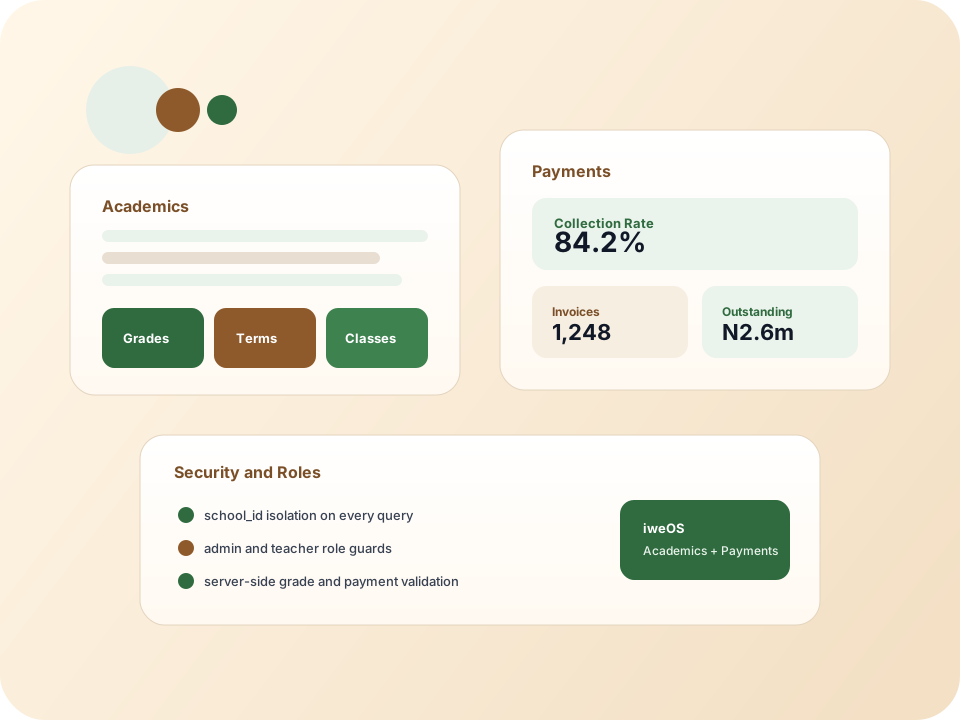
iweOS helps schools run academic workflows and parent-facing payment workflows inside one operating system. The product is strongest when the school sets up sessions, classes, teacher assignments, assessment structures, and result publishing before teachers start entering data.
From that point, teachers can work inside scoped portals for attendance, comments, conduct, grade entry, and student analytics, while admins stay in control of grading policy, result publishing, promotion, payments, and configuration.
Recommended path
Recommended rollout order
- Complete school settings, logo, principal signature, and result template first.
- Create sessions and sub-sessions, then classes, subjects, and grade scales.
- Add teachers, assign them to classes, and confirm they can access the teacher portal.
- Import students, clean statuses, then enroll them into the right term and class.
- Assign term-specific assessment schemes before score entry begins.
- Publish results only after attendance, comments, conduct, and grading are reviewed.
Did this welcome guide help you orient the product quickly?
Your feedback helps us keep this guide useful as features change.